
Small Business Website Redesign Checklist (What to Fix First for More Leads)
Use this small business website redesign checklist to fix trust, structure, speed, and SEO issues before you spend money on a cosmetic rebuild.

Small Business Website Redesign Checklist
Most redesign projects fail for one reason:
They focus on style before strategy.
New colors. New animations. New layout.
Need website design in 48 hours?
If you need a professional website live fast for Nigeria-based or international clients, the launch offer is built for that exact use case.
Explore the full service at website design in 48 hours, see how to launch your website in 48 hours, or review the done-for-you website launch details.
Same weak message. Same confusing pages. Same poor conversion path.
A small business website redesign without a clear conversion strategy is expensive rework.
If your business website is underperforming, you do not need a prettier version of the same problem. You need a better system.
This small business website redesign checklist gives you a practical order of operations so your redesign improves leads, trust, and revenue.
If your current site is also slow, pair this with the website speed guide before launch.
Step 1: Decide if you need a full website redesign or a focused fix
Do this before you touch design files.
You likely need a full redesign if:
- your offer is unclear in the first screen
- your structure does not match your sales process
- mobile UX is broken on key pages
- pages load slowly and content management is painful
- trust signals are weak or outdated
You might only need targeted fixes if:
- your core layout is solid but messaging is weak
- the homepage works but service pages do not convert
- load speed is the main problem
If you are not sure, start with a focused audit first.
Step 2: Clarify the main outcome of the website
Pick one primary conversion:
- consultation booking
- quote request
- call
- lead magnet download
Everything else is secondary.
Your website redesign should map every page to that one action.
When teams skip this step, every page tries to do five things and achieves none.
Step 3: Rewrite your homepage message for clarity
In the first 5 seconds, a visitor should understand:
- 1What you do
- 2Who you help
- 3Why you are credible
- 4What to do next
Use a clear value proposition, one supporting sentence, and one direct CTA.
For layout structure, use the homepage conversion blueprint.
Step 4: Rebuild service pages around buyer intent
Many redesigns fail because service pages are still generic.
Each service page should include:
- problem and desired outcome
- process or delivery steps
- proof (results, testimonials, examples)
- pricing guidance or scope anchors
- one clear CTA
If your service pages read like brochures, they will not sell.
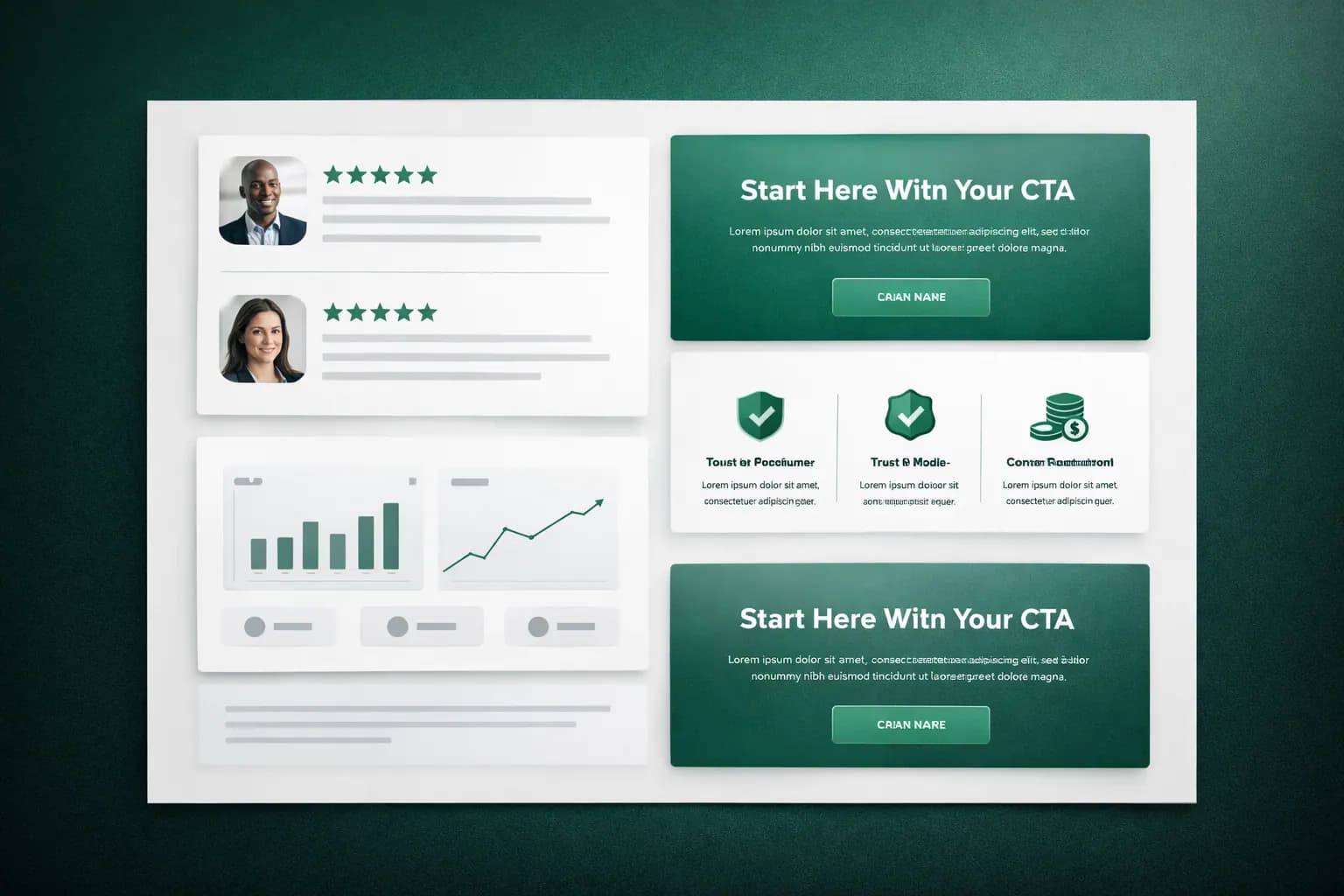
Step 5: Add trust signals where decisions happen
Trust needs to appear next to friction points.
Place proof near:
- pricing sections
- contact forms
- high commitment CTAs
Use:
- real testimonials (name, role, business)
- before/after outcomes
- logos or recognizable partners
- short case studies
Do not hide all proof on a single testimonials page.
Step 6: Fix mobile UX before desktop polish
For most small businesses, mobile is a major traffic source.
Review on real devices and check:
- text readability without zoom
- button spacing and tap targets
- sticky CTA behavior
- menu clarity and scroll depth
- form usability with one hand
A redesign that only looks good on a 16-inch screen is not a redesign.
Step 7: Address performance constraints early
Speed is not a finishing task. It is an architecture decision.
Before launch, set clear targets:
- Largest Contentful Paint under 2.5s
- Interaction to Next Paint under 200ms
- Cumulative Layout Shift under 0.1
Common wins:
- compress and properly size images
- remove unnecessary scripts
- use modern caching and CDN setup
- lazy-load non-critical media
If hosting is the bottleneck, review the best hosting guide.

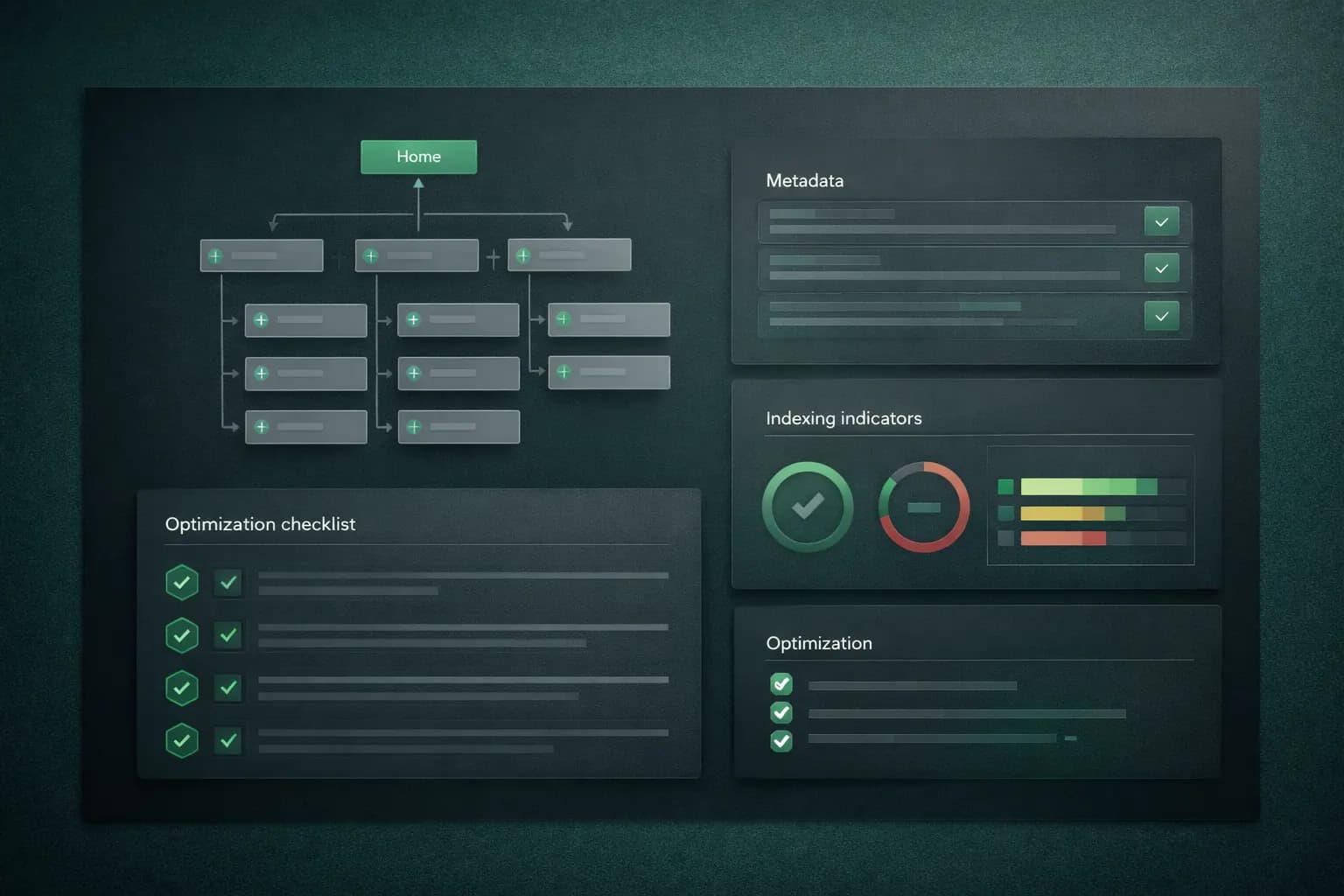
Step 8: Preserve and improve SEO foundations
During a website redesign, rankings often drop because SEO is treated as optional.
Before replacing URLs, map old pages to new pages. Use 301 redirects for removed or changed routes.
Then confirm:
- one primary keyword intent per page
- unique title and meta description
- proper heading hierarchy
- internal links between related pages
- updated XML sitemap and robots setup
Use the small business SEO checklist to validate details.
Step 9: Instrument analytics before launch
If tracking is incomplete, you cannot prove redesign impact.
At minimum, track:
- form submissions
- click-to-call taps
- quote button clicks
- lead magnet downloads
- booked consultations
Define these events before launch so day-one data is clean.
Step 10: Run a pre-launch quality checklist
Before publishing:
- test all forms and automations
- test every CTA and navigation path
- validate metadata previews
- test page speed on mobile and desktop
- test thank-you pages and conversion events
Use this with your website launch checklist to avoid easy misses.
Budget guideline: how to allocate redesign spend
A practical split for most service businesses:
- 35% strategy and messaging
- 30% UX and design
- 20% development and performance
- 15% QA, SEO, and launch preparation
If most of your budget goes only to visuals, expect cosmetic results.
FAQ: small business website redesign checklist
How often should a small business redesign its website?
Most small businesses should run a major redesign every 2-4 years, with smaller conversion and SEO updates every quarter.
What is the first step in a website redesign checklist?
Start with a conversion audit. Confirm what action you want users to take, then map content, layout, and CTA flow to that single goal.
How much does a small business website redesign cost?
Cost depends on scope, but many projects fail because budget is spent on visuals instead of messaging, UX structure, SEO migration, and speed.
Can a website redesign hurt SEO?
Yes, if URL mapping, redirects, metadata, and internal links are ignored. Treat SEO migration as a core workstream, not a post-launch fix.
What pages should be prioritized first?
Homepage, service pages, pricing/contact pages, and top organic landing pages should be redesigned first because they affect both rankings and conversions.
Is a full redesign always necessary?
No. If structure is solid, targeted updates to messaging, trust signals, speed, and service-page copy can outperform a full redesign.
First 90 days after launch
Treat launch as version 1, not the finish line.
In the first 90 days:
- review conversion rates weekly
- identify top-exit pages and friction points
- test headline and CTA variants
- improve underperforming service pages
Small post-launch iterations usually create the biggest lift.
Final takeaway
A strong website redesign is not "new design files."
It is a controlled upgrade to your full lead-generation system:
- clearer message
- stronger trust
- faster experience
- better conversion flow
Use this website redesign checklist as both your pre-launch baseline and your 90-day post-launch review.
If you want to evaluate your current site before rebuilding, start with why your website is not getting leads.
Ready to launch
Launch your website in 48 hours with a done-for-you setup
If this article helped you clarify the next step, the launch offer gives you a mobile-first business website, domain guidance, hosting setup, and a clear CTA flow without dragging the project out.
Chat on WhatsAppWebsite design in 48 hours for businesses that need to go live fast
The 48-hour launch offer is built for businesses that need a clean, mobile-first site live fast with pricing, CTA flow, and basic SEO already handled.
See the done-for-you website launchRelated posts
More articles to help you get better rankings and more leads.
Launch day should not be chaos. Use this practical checklist to ship a fast, credible, conversion-ready website that actually generates enquiries.
Stop depending only on Google and social media. Learn how to build an email list, automate follow-ups and turn subscribers into enquiries and clients on autopilot.
Honest Namecheap review covering domains, shared hosting and VPS hosting. Learn how to launch a cheap, reliable website without overpriced hosting traps or renewal shock.